Products · step 6 of 13
Add products and services
Create items with prices, barcodes, tax, stock and photos, or services with durations, so you can ring them up and they appear in your online store.
10 min · Updated October 17, 2026 · By SmartPOS editorial team
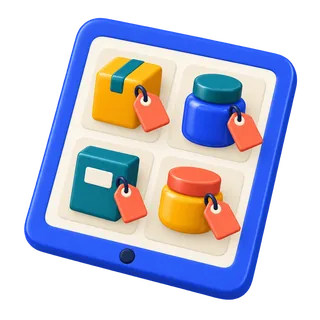
Products are what you sell: goods with stock, or services such as a haircut with no stock. Everything you add here also appears in your online store unless you hide it.
Add one product
- Products → Add product.
- Name, SKU (leave blank to auto-generate) and barcode type.
- Unit (piece, kg, box) and category.
- Tax: choose the tax rate or group, and whether the selling price includes it. For the UAE, prices usually include VAT.
- Purchase price (what you pay) and selling price. With both, reports show your margin.
- Manage stock: tick it for goods, untick for services.
- Opening stock per location.
- Photo (optional, used on the online store and the POS screen).
Services
For a service, untick Manage stock. In salon, spa and repair editions you can set a duration and the staff who can perform it.
Hide from the online store
Untick Show in online store for internal items such as “Bag charge”.
Next
Have more than 30 products? Import them from a spreadsheet instead.
Related guides
Stuck? Ask support or book a free setup call.